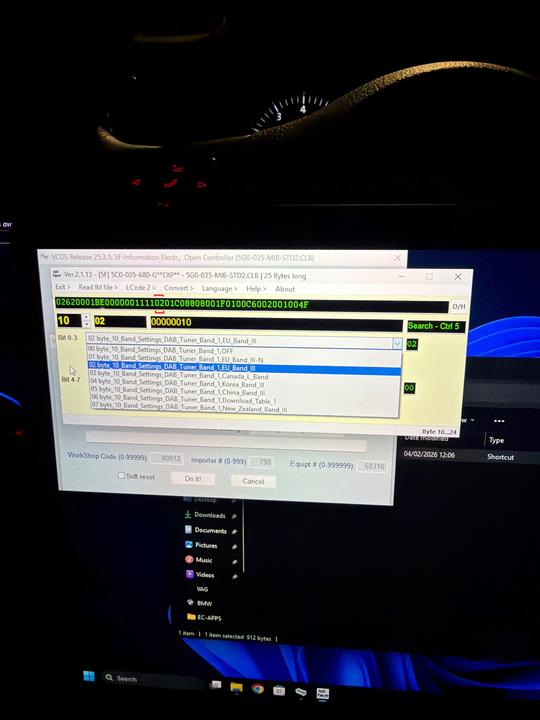
ciclo wrote: Sun Aug 16, 2026 1:35 pm In Byte 10, change Band 1:
If current value: [VO]_EU_Band_III-N.
Change the value to: [VO]_EU_Band_III ...UK...
Other checks:
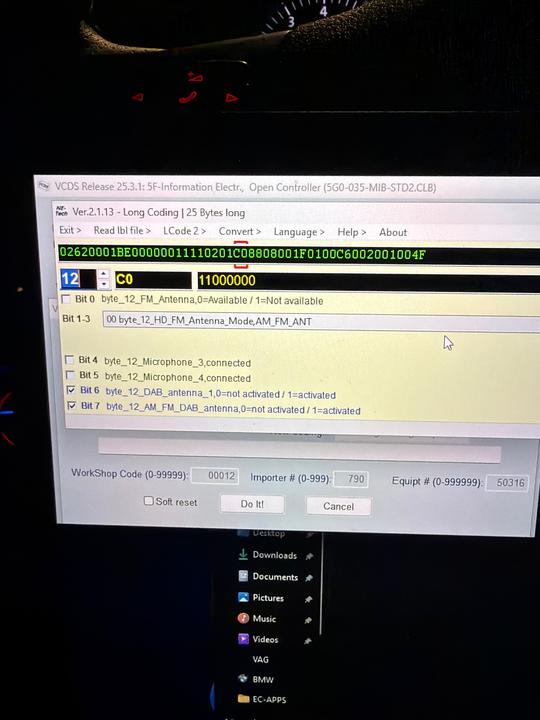
Antenna Power Supply (Byte 12):
-If you have both DAB_antenna_1 and AM_FM_DAB_antenna set to [VN]_active.
This is only correct if your car has factory-installed DAB antenna amplifiers. If you have installed an external antenna or a non-original splitter that does not require 12V power from the connector, this could generate a "Short to Ground" error in the radio module.
BWS (Byte 13):
-If you have [VO]_no_BWS.
The Broadcast Website Service (BWS) allows you to receive images or logical data from the station. If your screen supports it, you can switch to [VN]_activated to see additional interactive logos or graphics from broadcasting stations.
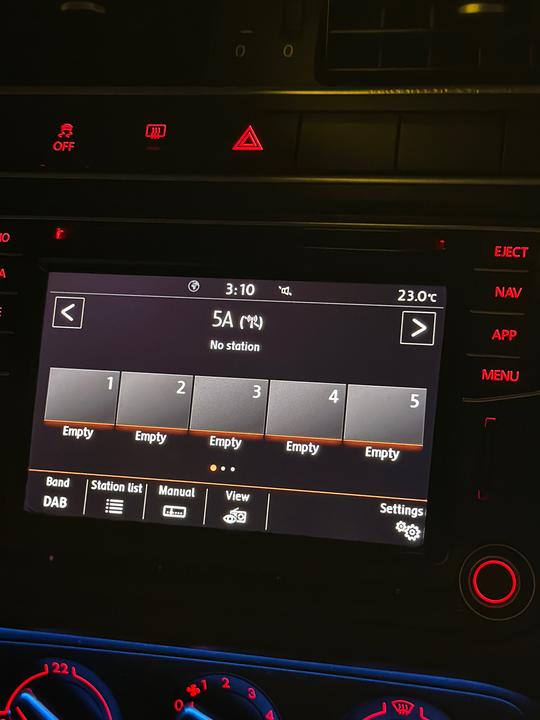
Reset the MIB2 -press and hold the power button for about 10 seconds until it turns off and the logo appears- and perform a new DAB station search.
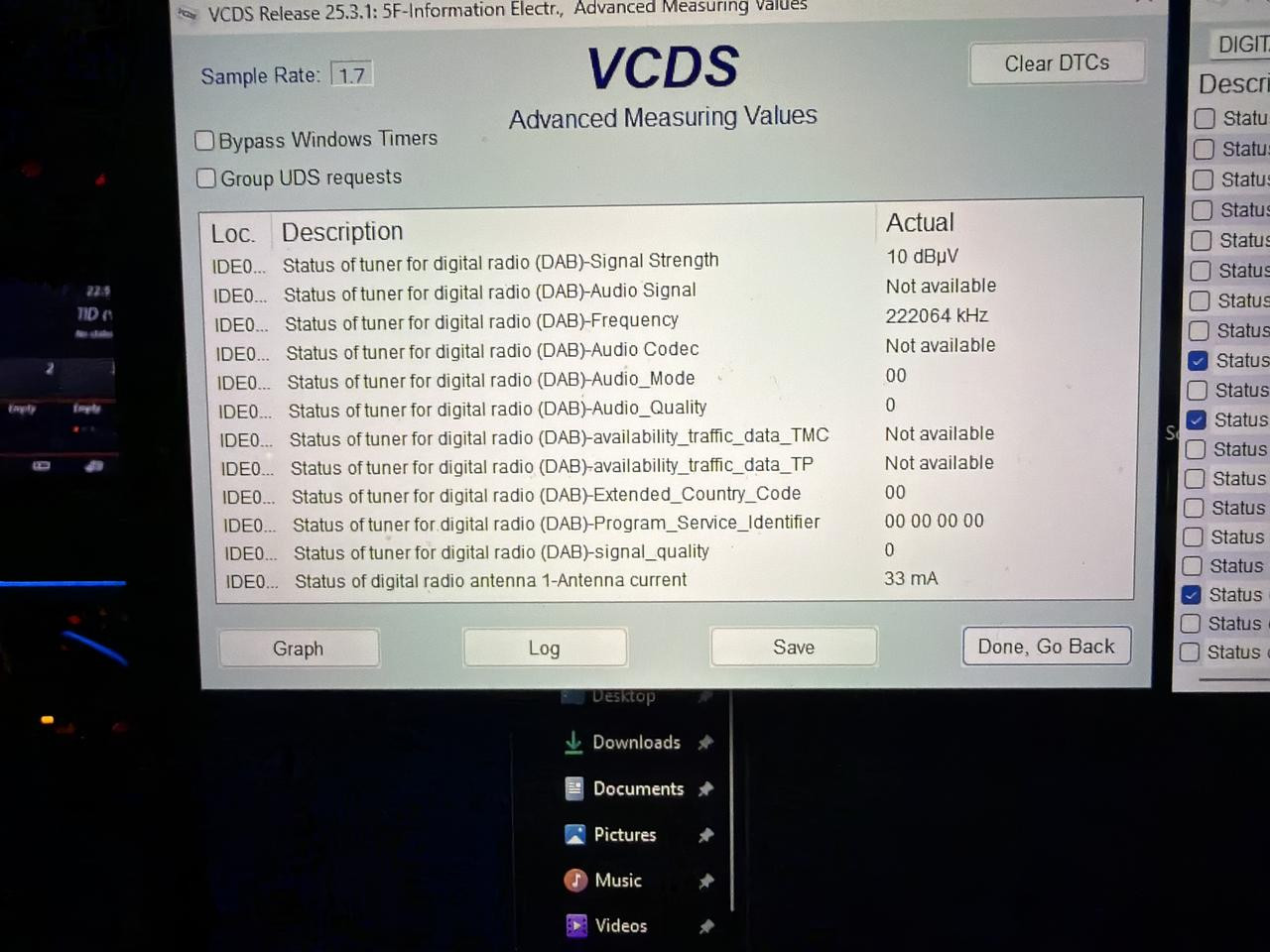
Apologies for the late response just been caught up with other things. I’ve double-checked the coding and even changed/edited to match the ones you said afterwards(apart from BWS) as much as possible but still nothing. Probably not the most reliable source but according to Gemini, the car is sending the ghost voltage so no clue why it’s not working. Not even radio stations are loading.